An ID check.
A live selfie.
Your verified role.
Start in Discord, see what happens and who receives what, then verify with our dedicated verification provider. Staff see that you’re 18 or older, not your documents.
- Start in Discord
Select Get Verified in a server with the GetVerified bot.
- Understand and agree
Read how it works and who receives what, then agree to continue.
- Complete verification
Show a government ID and take a live selfie in the secure verification flow.
- Receive your role
After approval, GetVerified adds the server’s verified role.
What the verification checks.
A sample run of the ID check and live selfie, followed by the role that’s added after approval.

ID check
The government ID is checked, and its portrait and date of birth are located. Your ID goes to the verification provider, not to Discord.
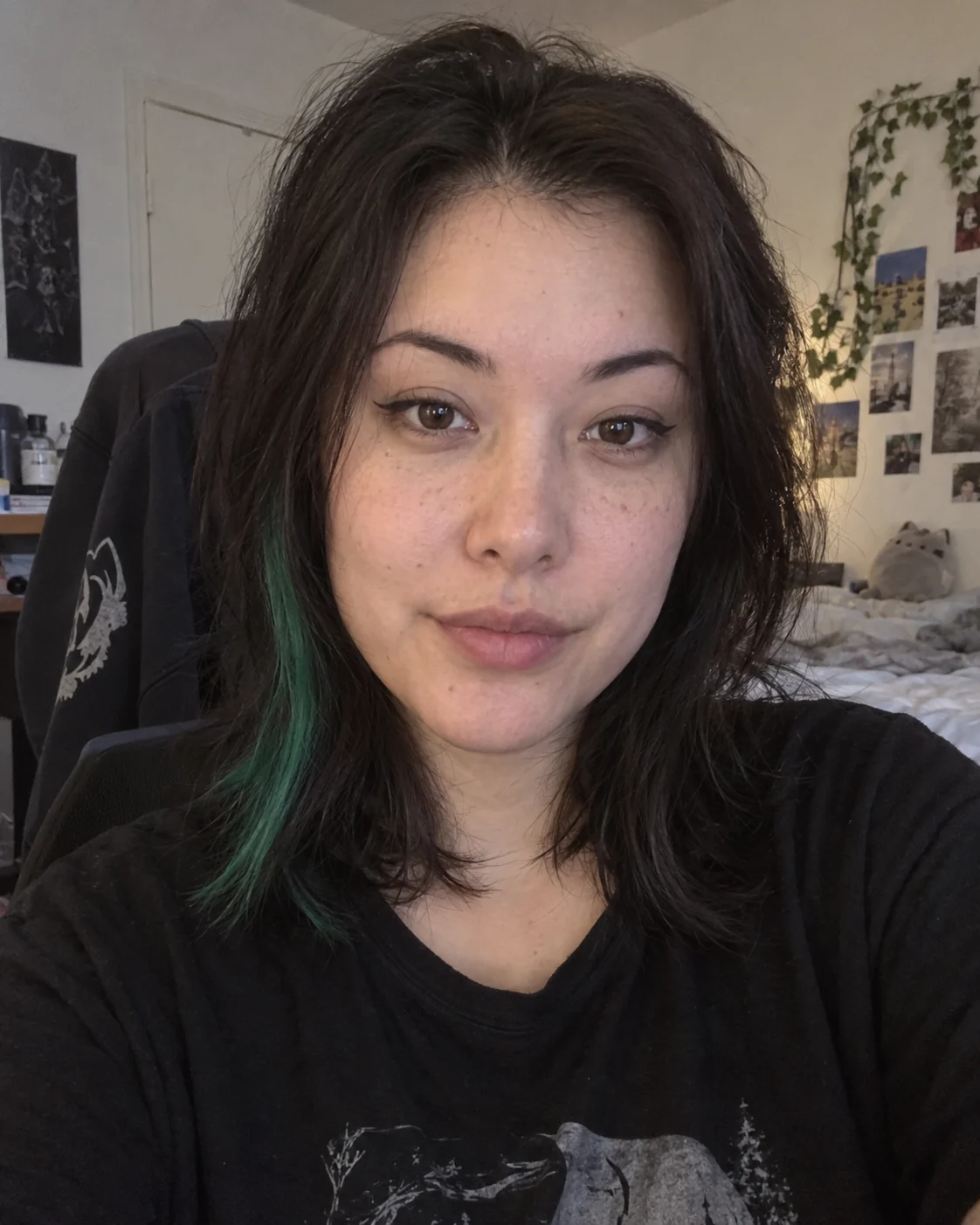
Live selfie
Take a live selfie with your face inside the oval. It helps confirm you’re present for the check.
Face comparison
The portrait is taken from the ID and compared with the live selfie to check that it’s the same person.

Welcome, @Rowan. Verified role added.
18+ Verified Rowan18+ Verified
Verified role
After approval, GetVerified adds the server’s verified role. Staff see that you’re 18 or older, not your ID or selfie.
Choose a step
Your documents stay with the provider.
Each part of the process gets only what it needs. Server staff never handle your ID.
- Verification provider
Checks your ID and selfie
Our dedicated verification provider handles the government ID and live selfie, outside Discord.
- GetVerified
Uses the result
Confirms you’re 18 or older and meet the server’s age requirement, then assigns the role the server configured.
- Server staff
See an 18+ confirmation
Staff see your verified role. No ID image, selfie, legal name, address or exact birth date.
If a check can’t be completed, no verified role is added. That alone doesn’t mean someone is under 18.
New server? Already verified.
In other servers with the GetVerified bot, an active verification that meets that server’s age requirement adds the role without a new upload. If it doesn’t, you’ll see the usual Get Verified steps.
See what’s kept and what you’ll be able to removeA better way to verify age on Discord.
See how GetVerified fits your server, or get an update when it launches.